
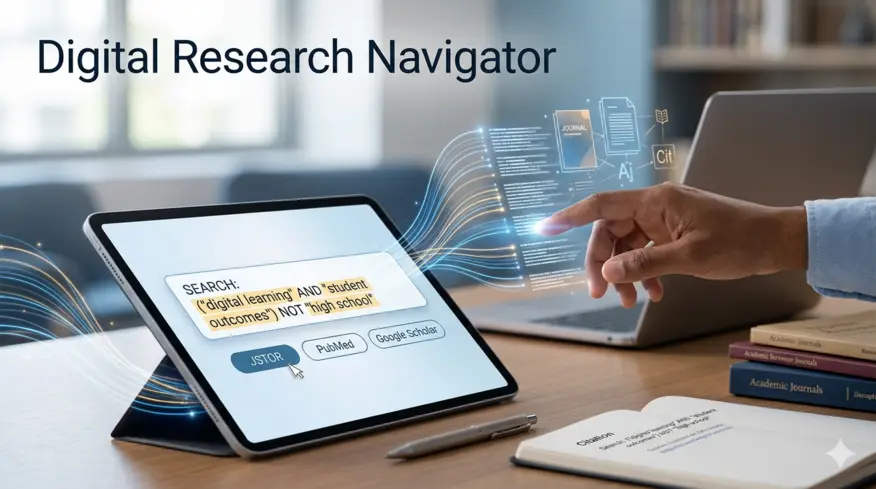
Finding the right sources is often where the real battle of writing a research paper is won or lost. If you rely on basic web searches, you end up wading through blogs, opinion pieces, and promotional content. To get the high-quality, peer-reviewed data your professors expect, you need to know exactly where to look and how to talk to academic search engines.
Here is a practical breakdown of the best databases to use and the search strategies that will save you hours of aimless scrolling.
1. The Heavy-Hitter Academic Databases
Instead of starting with a generic search engine, take your topic straight to the platforms designed specifically for scholarly work. Most universities provide free institutional access to these premium networks:
-
Google Scholar: The most accessible starting point. It acts as a massive net for articles, theses, books, and abstracts across all disciplines. Pro tip: Link your university library in the Google Scholar settings to get direct PDF links through your school’s subscriptions.
-
JSTOR: An incredible digital library for the humanities, social sciences, and history. It contains foundational texts and full-text archives of core academic journals.
-
PubMed: The absolute gold standard if your paper touches on medicine, biology, nursing, or healthcare. It is maintained by the National Institutes of Health (NIH) and is completely free.
-
Scopus / Web of Science: These are massive multidisciplinary databases that excel at tracking citations. They are perfect for seeing which papers have the most influence in a specific scientific or social science field.
-
ERIC: Sponsored by the U.S. Department of Education, this is your go-to database if you are researching teaching methods, educational psychology, or school policy.
2. Master "Boolean Operators" to Filter the Noise
Academic databases don't search like Google; they respond to strict logic. If you just type a long sentence into a database, it gets confused. Instead, use Boolean Operators (AND, OR, NOT) in ALL CAPS to command the search engine precisely.
|
Operator |
How It Works |
Example Search |
|
AND |
Narrows your search. Both terms must appear on the page. |
ADHD AND "college students" |
|
OR |
Broadens your search. Tells the system you'll accept synonyms. |
inbound marketing OR "content marketing" |
|
NOT |
Excludes specific terms that are cluttering your results. |
depression NOT postpartum |
3. Use Search Truncation and Phrase Matching
If you are getting thousands of irrelevant results—or conversely, absolutely nothing—tweak how you format your words using these two essential database tricks:
Quotation Marks for Exact Phrases
If you search for climate change without quotes, the database looks for every article containing the word "climate" and the word "change," even if they are pages apart. Putting them in quotes—"climate change"—forces the engine to look only for those two exact words side-by-side.
The Truncation Wildcard (*)
Instead of searching separately for child, childhood, children, and childish, type the root of the word followed by an asterisk: child*. The database will automatically pull up results containing any variation of that root word, instantly broadening your scope without extra typing.
4. The "Ancestry Search" Strategy (The Ultimate Shortcut)
Once you find one perfect peer-reviewed article that fits your research paper flawlessly, your search is practically done. You can use that single paper to unlock dozens of others using a method called ancestry searching.
Flip to the very end of that perfect paper and scan its Bibliography or Reference list. The author has already spent months doing the research for you. If they wrote a brilliant paragraph on your subtopic, look at the citation at the end of that sentence, track down that specific study in your database, and use it.
Similarly, you can look up your "perfect article" on Google Scholar and click the "Cited by" link underneath it. This shows you every paper published after yours that used it as a source, instantly giving you the most up-to-date conversation on the topic.
A Quick Credibility Checklist
Before you download a PDF and commit to using it, give it a quick 10-second inspection to ensure it passes the academic smell test:
-
Look for the Journal Name: Is it published in an established journal (e.g., Journal of Clinical Psychology, Nature), or is it a random PDF uploaded to a personal blog?
-
Check for Peer-Review Status: Most databases allow you to check a box that says "Limit to Peer-Reviewed / Refereed Only." Always check this box.
-
Verify the Timeline: Unless you are doing a historical analysis, try to keep your sources within the last 5–7 years to ensure you aren't citing outdated or disproven data.
Note: Research Paper Helper has verified human writers ready to help you find the most credible sources for your next paper. Tell us about your paper and we will do the rest to perfect it.